POS & Billing
Manage counter billing, invoices and sales records in a connected workflow. Review the checkout process and supported devices during your demo.
Manage billing, inventory, sales and daily operations from one connected POS platform. Explore DigiNizam by feature, industry, pricing or live demo.
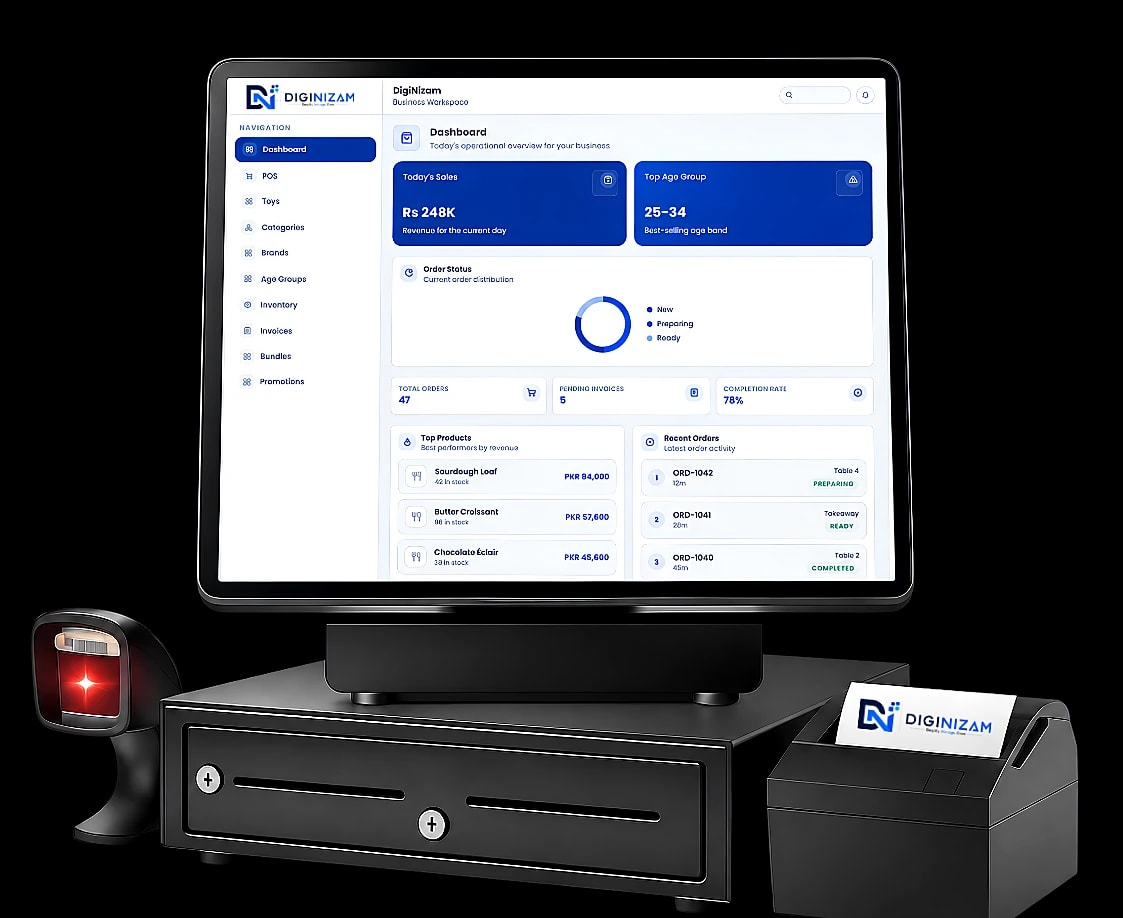
DigiNizam connects billing, inventory, sales and operational records in one POS platform. Choose the setup and modules that match your business.
Manage counter billing, invoices and sales records in a connected workflow. Review the checkout process and supported devices during your demo.
Keep stock records connected with supported sales and purchasing activity so teams can review available stock and movements.
Use the workflows relevant to your business. For restaurants, review how orders, kitchen tickets and billing fit together in the selected setup.
Review sales, stock and outlet information to support daily operational decisions. Available reports depend on the modules included in your setup.
DigiNizam is POS and business management software that connects billing, inventory, purchasing and reports in one configured platform. It offers industry configurations for retail stores, restaurants, pharmacies, snooker clubs and other businesses, serves customers globally through an English-language offering and provides 24/7 support. The team is based in Lahore, Pakistan, and pricing is agreed after a demo and requirements review.
POS software records sales and connects checkout with related business information such as product records, inventory and reports. DigiNizam brings these workflows together in a configured platform so teams can manage daily work from connected records.
A POS system helps a business create bills, record sales and organize information used in day-to-day operations. Depending on the selected configuration, it can connect these activities with stock, purchasing, reports and other supported workflows.
POS software is used by owners, managers and staff handling sales and operational records. DigiNizam offers configurations for retail stores, restaurants, pharmacies, snooker clubs and other supported businesses. The right setup depends on the workflow and modules each team needs.
POS software can reduce separate record keeping by connecting billing, sales, stock and reports. DigiNizam brings supported workflows together so teams can review operational information in one configured platform. The benefit depends on accurate records, suitable configuration and how staff use the system.
Connect inventory, sales, purchases and operational records across the locations included in your setup.
Explore DigiNizam solutions for retail, restaurants, pharmacies, snooker clubs and other supported business workflows.
Discuss your branches, stock locations and reporting needs so DigiNizam can be configured around the way your business operates.
Review sales, stock and outlet information to support daily operational decisions.
Keep stock records connected with supported sales and purchasing activity so teams can review available stock and movements.
Available reports depend on the modules included in your setup.
Bring daily work into connected processes, with tailored setup and 24/7 support.
Pick a capability to explore how DigiNizam keeps sales, stock, and stores moving.
All modules in the DigiNizam app keep working without internet, and data syncs automatically with the server when the connection returns. Offline working applies to the app, not the web portal.
Support, training, and operational tooling that keep DigiNizam running with your team.

Clear reports and tracking that turn activity into actionable insights.
Round-the-clock help so POS and backend workflows stay reliable.
Practical training so your team gets the most from the platform.
Keep stock records connected with supported sales and purchasing activity so teams can review available stock and movements.
Use the workflows relevant to your business. For restaurants, review how orders, kitchen tickets and billing fit together in the selected setup.
Manage counter billing, invoices and sales records in a connected workflow. Review the checkout process and supported devices during your demo.
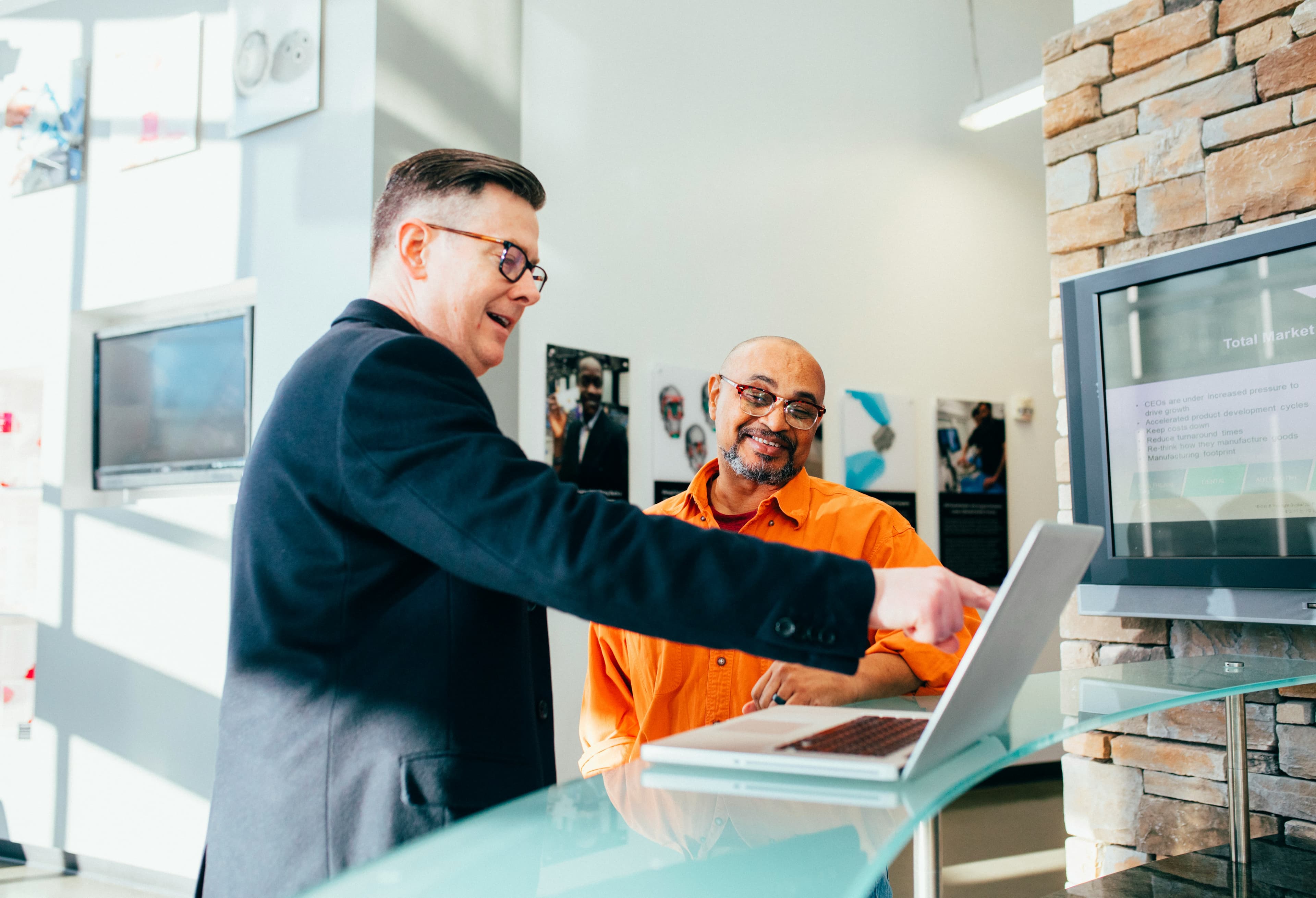
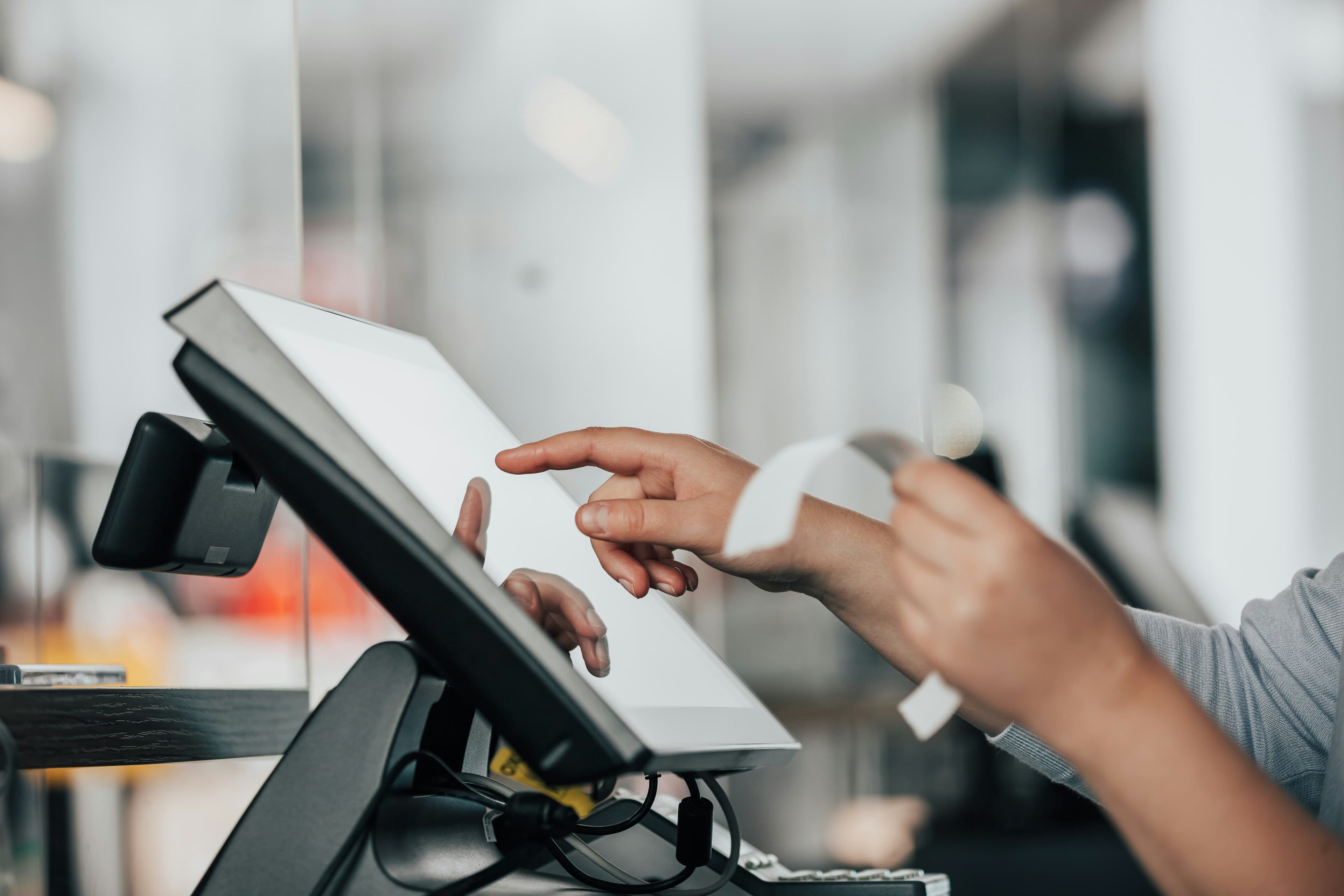
Bring daily work into connected processes, with tailored setup and 24/7 support. Review the actual product workflow before choosing your configuration.

We focus on practical workflows and the features a business needs for daily operations. Review the working product to confirm its fit for your team.
Partner with teams to simplify operations and grow with reliable software.
Scalable management tools that keep everyday operations smooth—locally and globally.
DigiNizam provides 24/7 support. Discuss onboarding, support channels and the requirements of your chosen setup with the team.
DigiNizam provides 24/7 support.
Discuss onboarding, support channels and the requirements of your chosen setup with the team.
DigiNizam uses month-end invoices; confirm the exact terms in your quote.
DigiNizam serves customers globally through its English-language offering.

Connect inventory, sales, purchases and operational records across the locations included in your setup.
See how DigiNizam fits your operation: restaurant POS software, industry solutions, POS & inventory management features, Discuss POS software pricing, and book a POS software demo.
See billing, inventory and reporting in a walkthrough based on your business requirements.