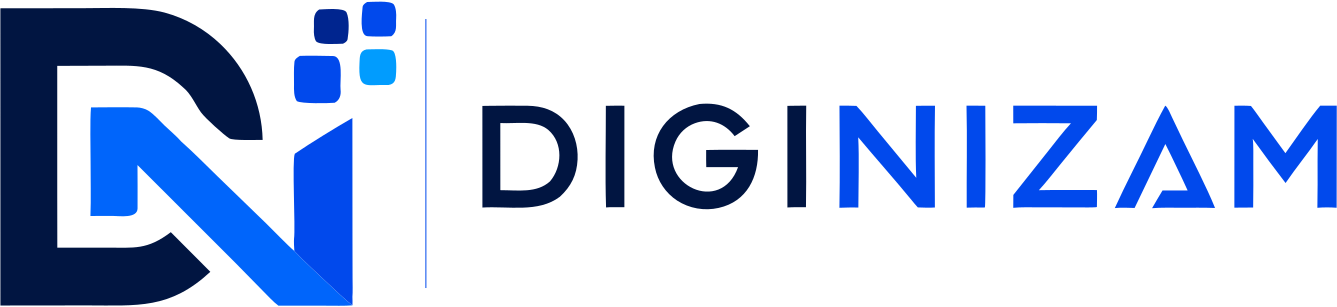
Supermarket POS Software for Billing & Stock Management
Keep grocery checkout, item records and stock activity connected. Review purchasing, reports and the checkout configuration your supermarket needs.
What Is Supermarket POS Software?
Supermarket POS software records grocery sales and connects them with item inventory, purchasing and store reports. The checkout setup may use scanners or other hardware, depending on the selected configuration and supported devices.
Checkout, Stock and Purchasing
Review grocery sales, product records, supplier purchases and stock reports in the same workflow. Confirm the available checkout devices and location setup.
Review your checkout configuration
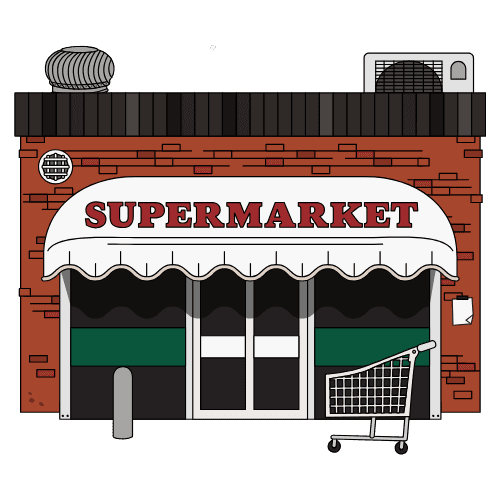
Review Your Grocery Store Workflow
Bring sample packaged and loose products, supplier documents and checkout requirements. Check how each item is billed and recorded in stock.
- Product and barcode requirements
- Purchasing and receiving review
- Checkout and location configuration
Supermarket Workflows to Review
Checkout billing
Review item lookup, sales and receipts with the devices available for your configuration.
Item inventory
Review product stock and the sales, purchase and adjustment records available in the selected setup.
Purchasing and receiving
Confirm the supported supplier, purchase and stock-receiving steps.
Barcodes and shelf labels
Check supported barcode formats, printers and label fields using your items.
Store reports
Review the sales and stock reports available for your store. Confirm any margin or loss-reporting requirements separately.
Store locations
Confirm checkout lanes, locations, access and connectivity before rollout.
Discuss Your Business Setup
Supermarkets and grocery stores can review billing, item records and purchasing with DigiNizam. Confirm hardware and local requirements for the selected setup.
For the broader store workflow, review retail billing and stock workflows.
Review the POS and inventory features and confirm the functions available for your selected setup.
See how DigiNizam pricing is agreed after the demo and requirements discussion.
Related guides: what retail POS software does and how retail inventory management reduces stock problems.
Review DigiNizam for Your Supermarket
Book a demo to review grocery checkout, product records, purchasing and reports. Pricing is discussed after the demo, once requirements are understood.
Solutions for different businesses
Explore supported industries and discuss the setup relevant to your business.


Service & support
Our offering, billing and support at a glance.
Global customers
DigiNizam serves businesses globally. Discuss your industry and requirements with our team.
English-language offering
The current DigiNizam offering is available in English.
Month-end invoicing
Invoices are issued at month-end under the terms agreed with each customer.
24/7 technical support
DigiNizam provides 24/7 support. Contact our team for help with your setup.
Supermarket software questions
Direct answers for common supermarket and grocery POS questions.
Supermarket POS software connects checkout billing with inventory, purchasing and reporting so supermarket teams can manage sales and stock from one system.
Compare item lookup, billing, inventory, purchasing, reports and store locations. If your supermarket sells weighed goods or uses several checkout lanes, test those requirements with the actual devices and selected software configuration before choosing a POS.
Choose a grocery POS that fits your checkout and stock workflow. Review packaged and loose items, purchasing, reports, hardware compatibility and location requirements. Scale integration and specialist stock controls need to be verified separately.
A connected supermarket POS can keep inventory records linked with sales and purchases, helping teams see available stock and identify products that need attention.
Yes. DigiNizam supports barcode scanning at checkout. Bring sample items and your scanner to the demo to confirm barcode formats and device compatibility. Scale integration, weight-based barcodes and shelf-label printing must be confirmed separately.
Yes. DigiNizam supports multi-branch setups with connected store-level stock, sales and reports. Confirm checkout lanes, warehouses and access for your stores before rollout.
Review checkout billing, item inventory, purchasing, receiving, reports and branch visibility. Confirm scanners, loose-product units, weighing scales, expiry or batch controls and labels separately if your store needs them.
A POS retrieves configured items, records the sale and keeps billing connected with stock and reports. Review barcode lookup, receipt printing and any multi-lane requirements using the actual devices and selected setup.